
Create a Wallet
Understand the difference between creating and importing, then prepare a backup before receiving assets.
Read guide →Use imtoken to understand multi-chain assets, choose the correct network, send and receive assets, connect to DApps and review approvals. The knowledge center explains network concepts and wallet security so each important action can be checked before it reaches the chain.
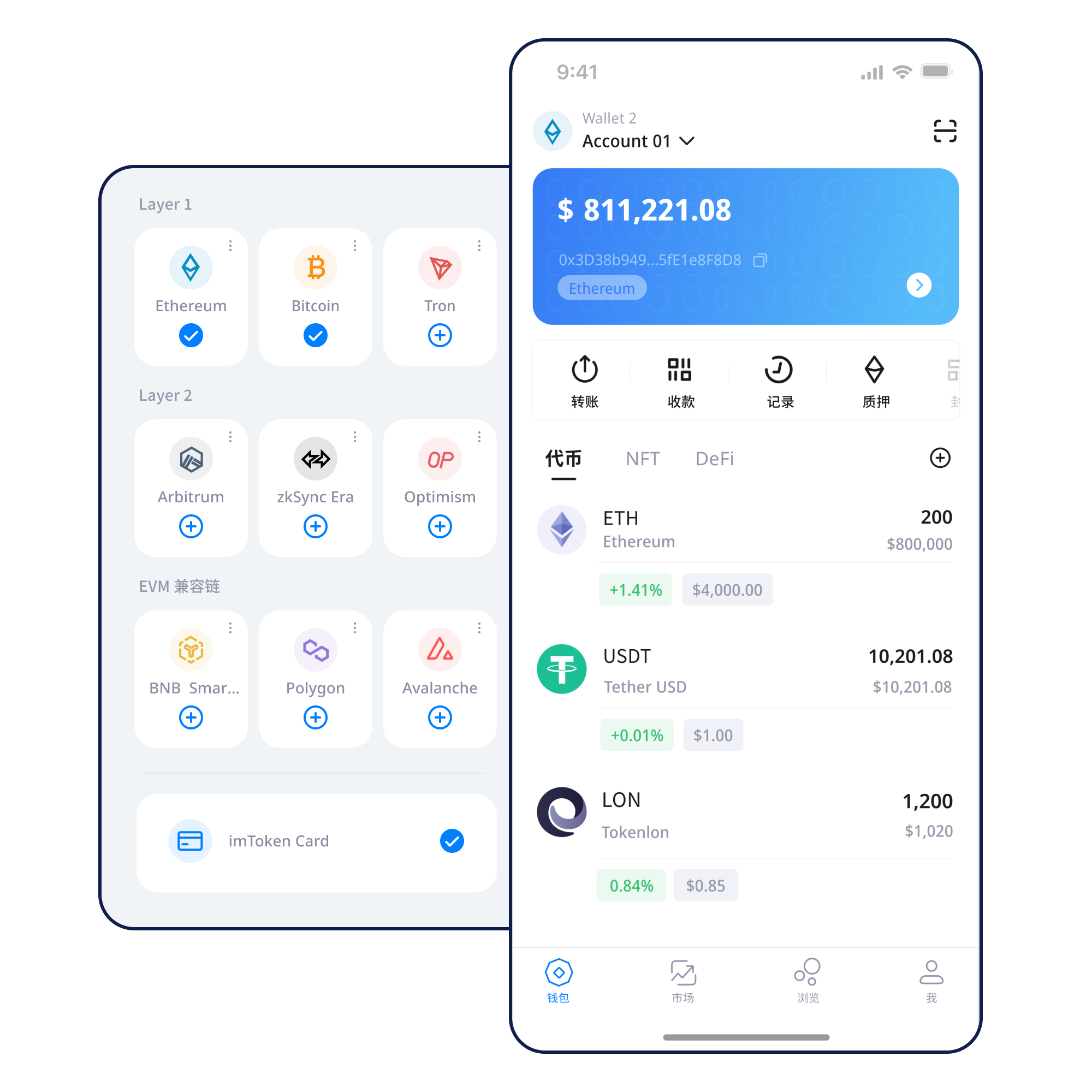
Five common actions connect product use with the checks that matter before an on-chain operation.
Understand the difference between creating and importing, then prepare a backup before receiving assets.
Read guide →Keep seed phrases and private keys offline and never send them to another person.
Read guide →Confirm the receiving address and network before asking someone to transfer assets.
Read guide →Review the destination, network, amount and gas before broadcasting a transaction.
Read guide →Verify the domain and inspect each account, signature and approval request separately.
Read guide →Understand how assets belong to specific networks, why addresses must be checked with network context, and how confirmations affect the visible result.
Review the receiving address, network, amount, gas and transaction hash as separate pieces of evidence.
Use a mobile wallet to view assets, manage networks and inspect transaction records without skipping security checks.
Browser connections should expose only what is needed. Review the domain, account request, signature and token approval independently, and disconnect connections you no longer need.
Keep seed phrases and private keys offline. Official personnel will not ask for them.
Each network has its own execution, fee and confirmation context. Read all panels even if scripts are disabled.
A multi-chain wallet can show several networks, but assets, fees and transaction records still belong to their original chain.
Read more →Blocks, nodes and confirmations explain how a public network reaches a shared transaction history.
Read more →
EVM-compatible networks share execution concepts such as gas and contracts, while network identity still matters.
Read more →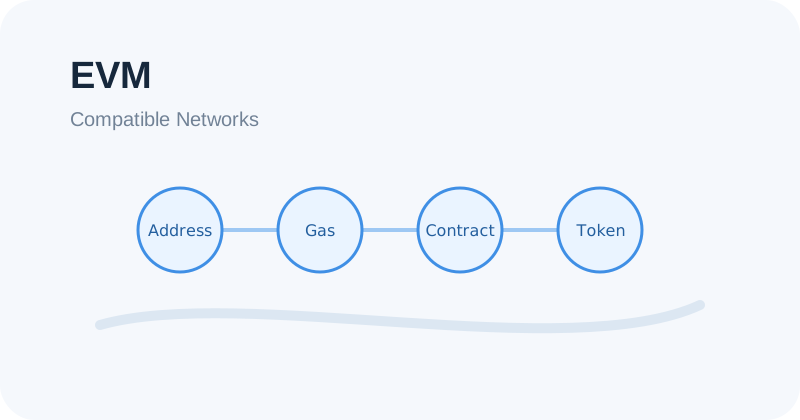
Layer 2 systems connect to mainnet with specific settlement and bridging assumptions.
Read more →
Fees can change with network conditions, and a transaction hash helps distinguish pending, failed and confirmed states.
Read more →Open the download entry yourself and review the page before continuing.
Know whether you are creating new credentials or bringing in existing ones.
Keep seed phrases and private keys offline and away from shared devices.
Match the asset, address and intended network before moving funds.
Check address, amount, network and gas before broadcasting.
Keep transaction hashes and remove permissions you no longer need.
Connecting a wallet does not mean every later signature or approval is acceptable. Review each request in its own context.
A connection does not justify approving every signature. Inspect every signature and approval individually.
Open Web3 guide →Wallet security depends on protecting recovery material, reviewing transaction details, understanding permissions and keeping devices under your control. Third-party DApps and smart contracts may contain risks, and on-chain actions usually cannot be reversed by the wallet after the fact.
Open Security Center →Start with addresses, seed phrases, private keys, networks, gas, transaction hashes, DApps and approvals. These concepts explain both what the wallet can do and what the user is responsible for checking.
Read the guide →Learn how Ethereum PoS uses validators, where rewards come from, and why network conditions, withdrawal mechanisms and exit queues matter.
Read staking guide →Staking does not guarantee returns. Rewards can change, exits may require waiting, validators can face network penalties, and smart contracts, service providers and asset prices carry risk.
PoS & validators →A seed phrase is sensitive recovery material that can control a wallet. Keep it offline and never share it.
An address may look familiar across networks, but the asset path and on-chain record belong to a specific network.
Gas is the network resource cost for processing an on-chain transaction or contract interaction.
No. A connection and a later signature or token approval are separate actions and should be reviewed separately.
No. Users are responsible for safeguarding their seed phrases and private keys, and official personnel will not ask for them.
A confirmed or broadcast on-chain transaction generally cannot be unilaterally reversed by a wallet.
Use the official download entry and keep your recovery credentials private.